
The 1098-T form shows a student's education expenses and offers tax credits to whomever is claiming the student on their taxes.
For more information, look over our Student Accounts FAQ page.
Accessing Through MAVzone
Step 1
Log in to MAVzone
Step 2
Student Finance
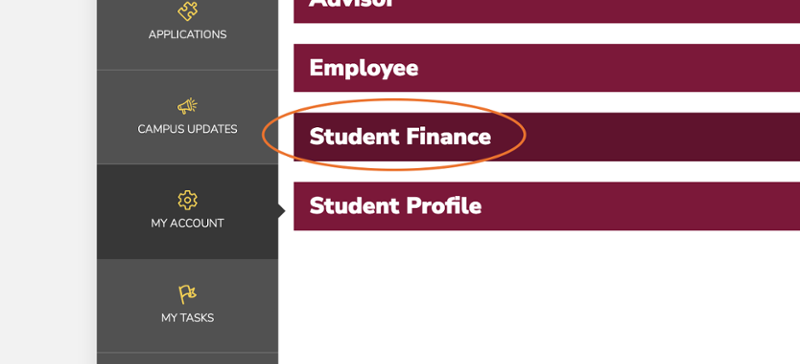
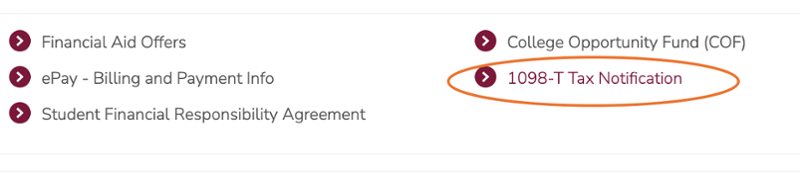
Step 3
1098-T Tax Notification link
Accessing Through the ePay Application
Step 1
Log in to MAVzone

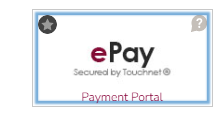
Step 2
Select the ePay application
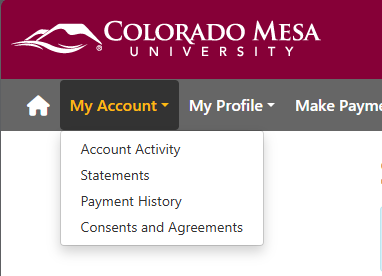
Step 3
My Account
-
Click "Statements"
Step 4
1098-T Tax Statements

Was this article helpful?
Need more help?
Get one-on-one assistance with your issue by scheduling an appointment today.